
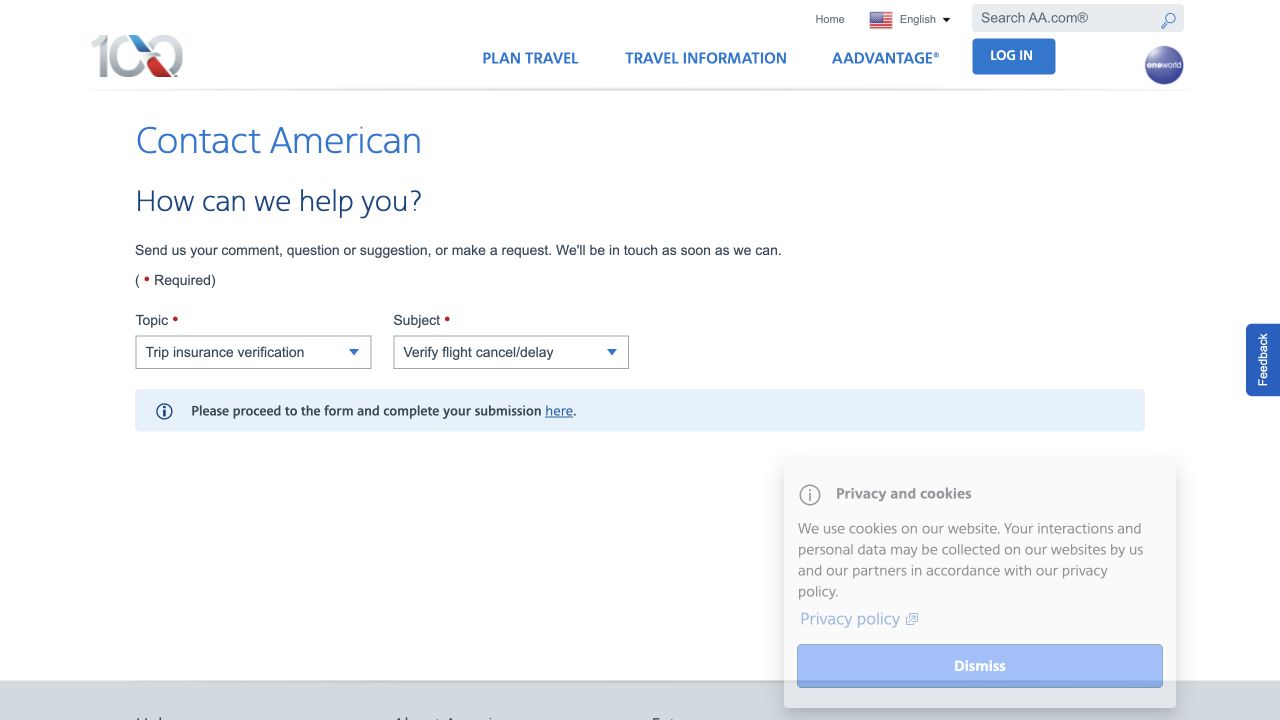
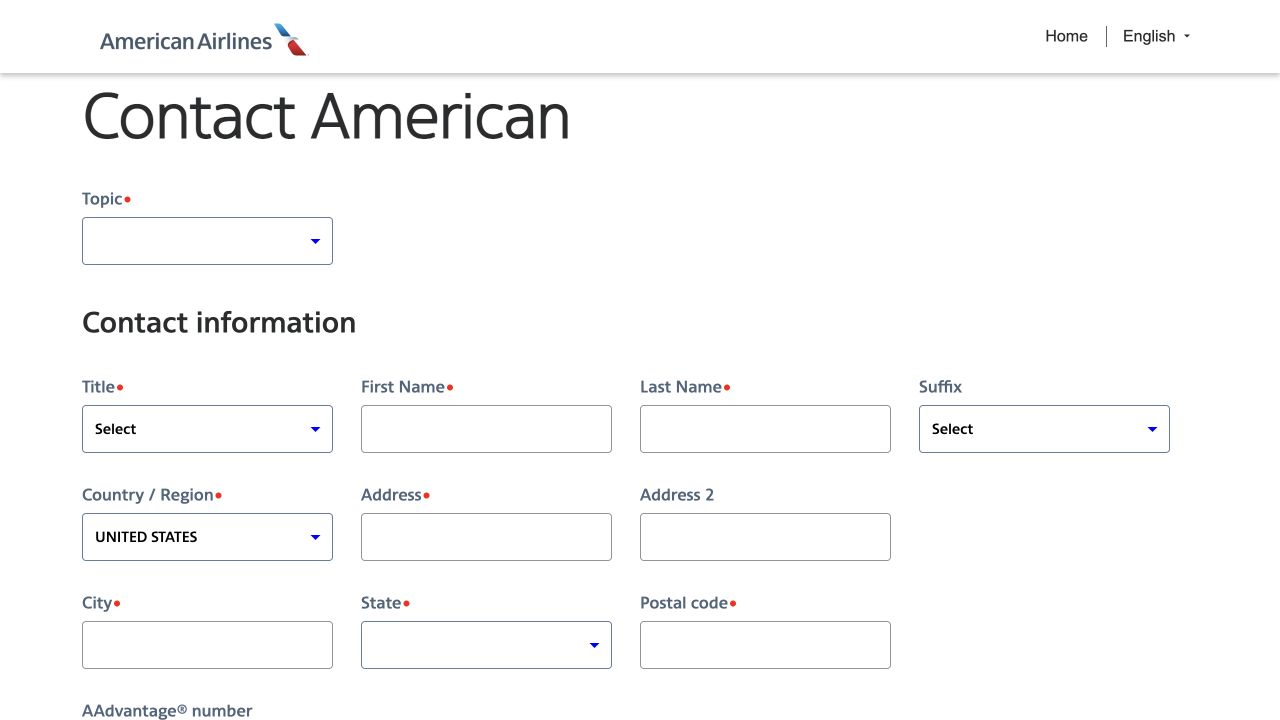
Your card benefit
Match your exact card and the guide that applied on your travel date. Check the covered cause, delay threshold, fare payment, travelers, exclusions, notice deadline and document deadline.
Use the claim website or contact listed in that guide. Our detailed assessment shows the claim link and deadlines when a reviewed rule applies; a quick reference alone does not confirm your eligibility.
Check my card and tripChase’s official filing guidance · Find my card’s guide
Screenshot walkthrough · Chase / Assurant
Card claim: follow the Chase / Assurant example. Other providers use different screens. Captured September 13, 2026; labels may change. Open the official site.
1. Open the correct card claim portal
Confirm your card’s applicable guide directs you here. Returning users choose “Sign In”; new users choose “Verify Card & Register.” Complete those steps directly with the administrator.
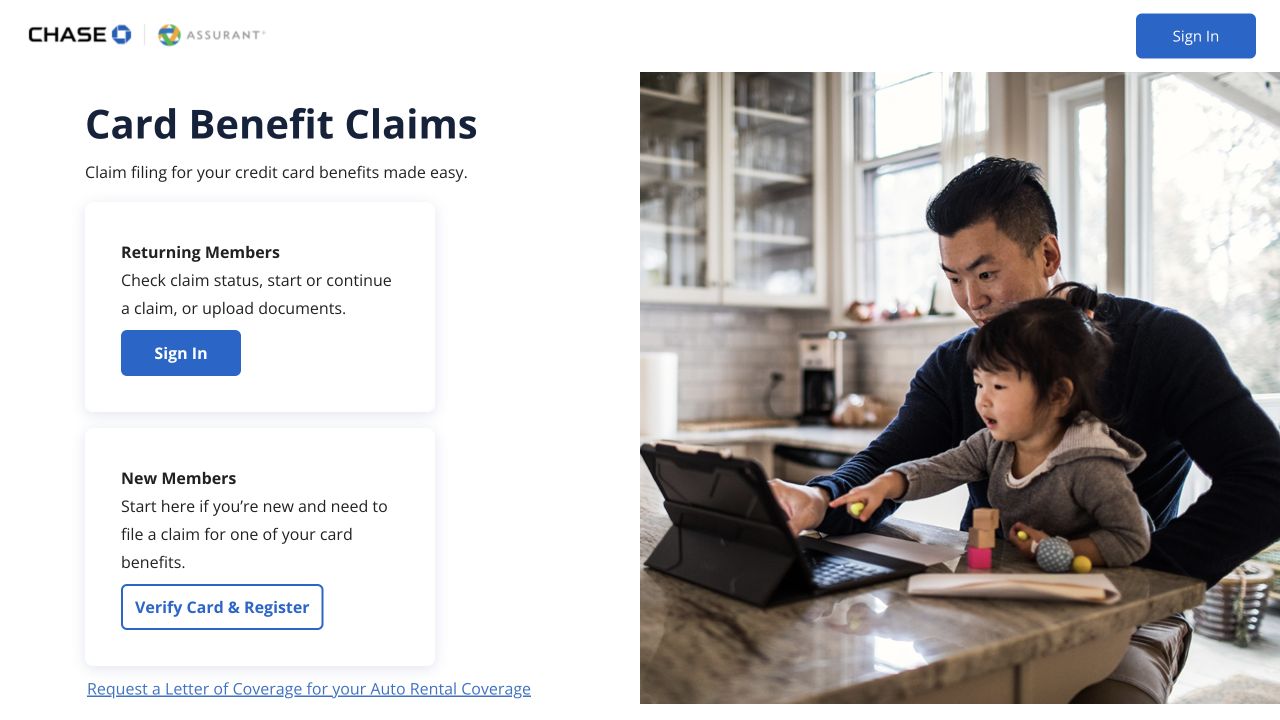
Select the screenshot to enlarge. Screenshot of Chase / Assurant; BenefitMyTrip is independent.
2. Start the claim after signing in
The public instructions say to choose “File a Claim” on the Claim Dashboard, then select your card and benefit. Follow the requested documents, review and submission steps. Save the confirmation. The screenshot shows the public instructions; it is not an authenticated dashboard.

Select the screenshot to enlarge. Screenshot of Chase / Assurant; BenefitMyTrip is independent.